Count type
Full
Reconciles the whole location.

Inventory Counts
Count the whole location in one pass.
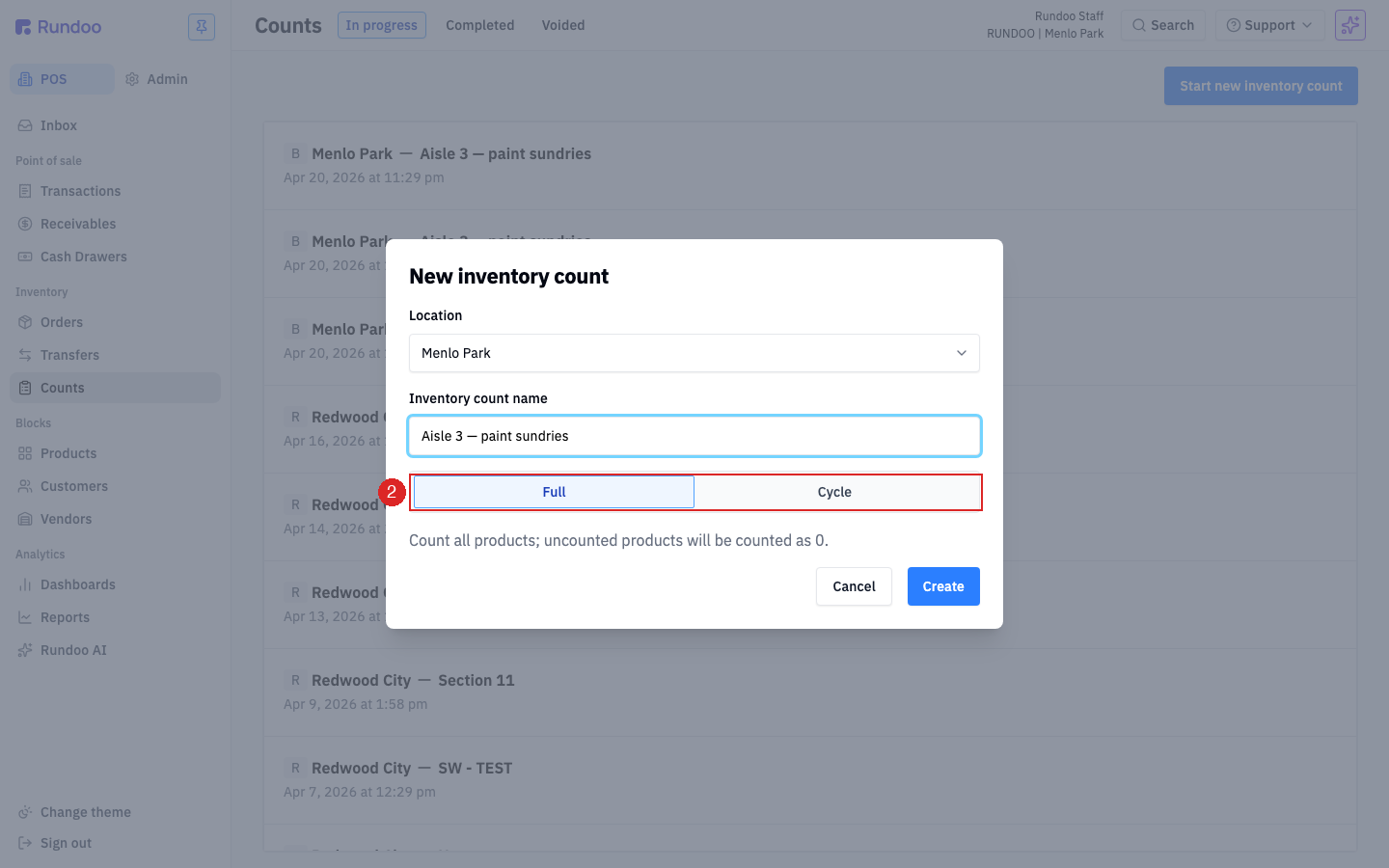
In the web POS, open Counts (under Inventory) and click Start new inventory count. Pick your location and give the count a name you will recognize later, like "Full count, March 2026."
On the type toggle, choose Full, then click Create. A full count covers every product at the location.
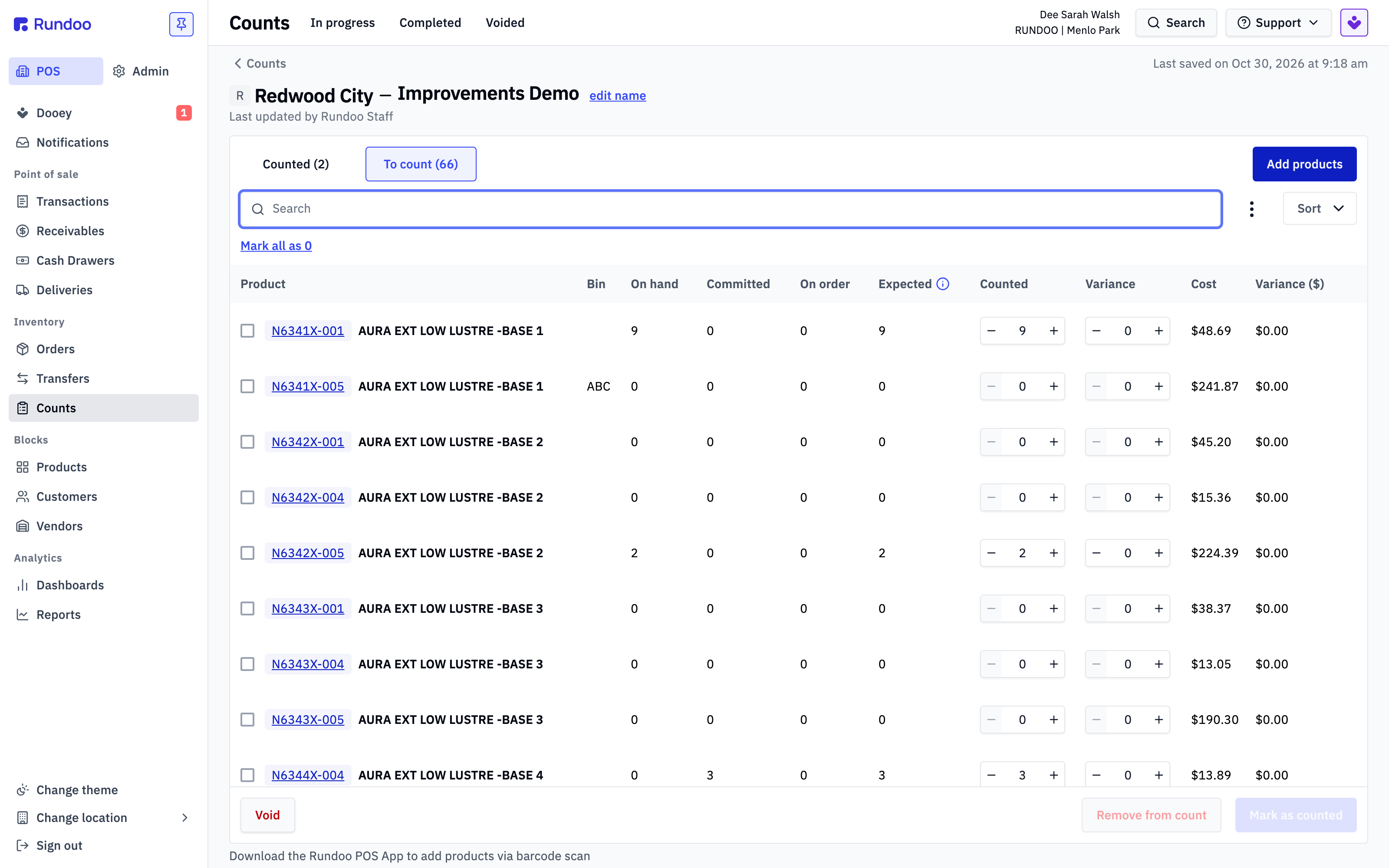
Walk the location and enter what you actually have. On the web, type the number in the Counted cell and press Tab to jump straight to the next row, or use the minus and plus stepper for small counts. The row moves to the Counted tab as you go.
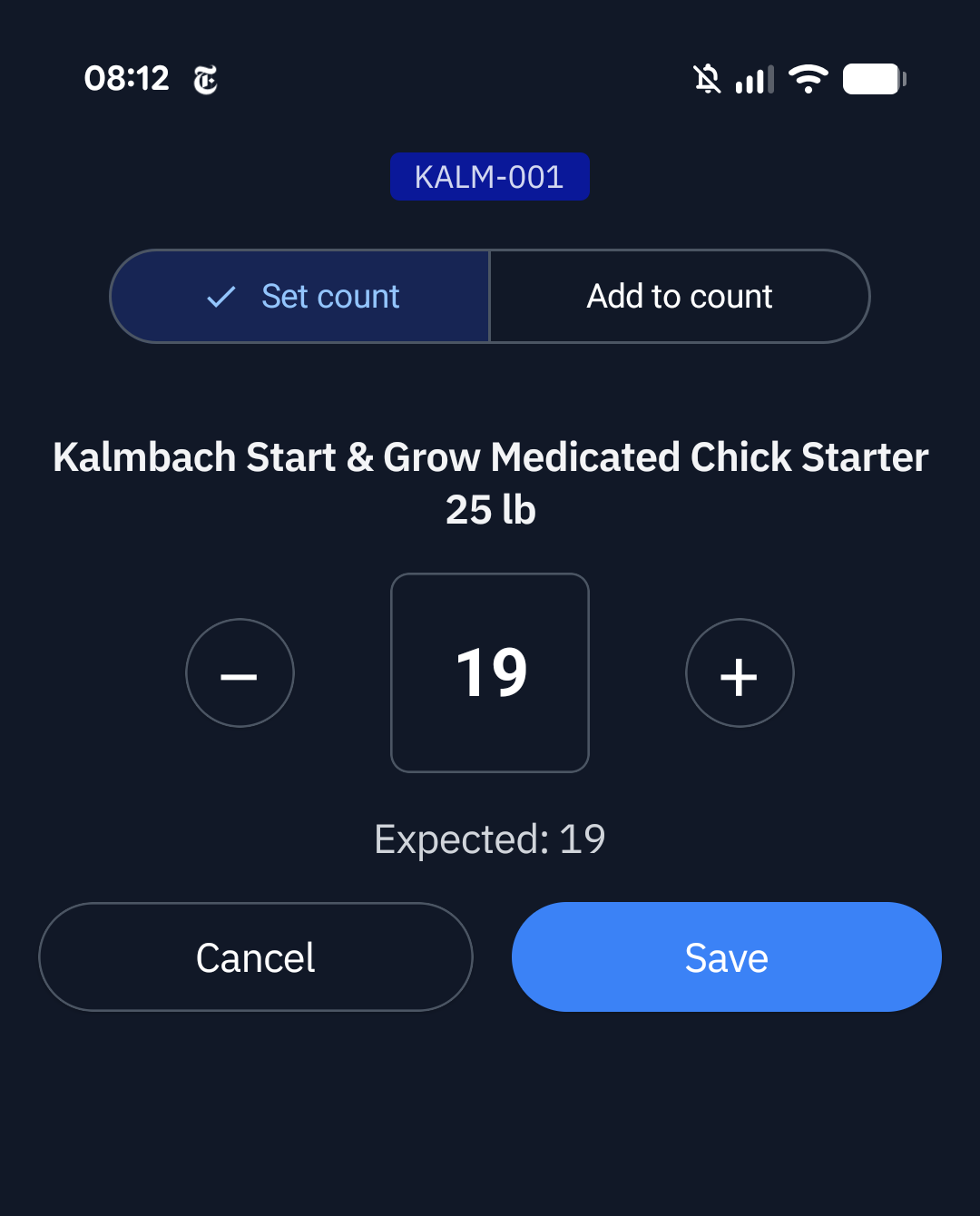
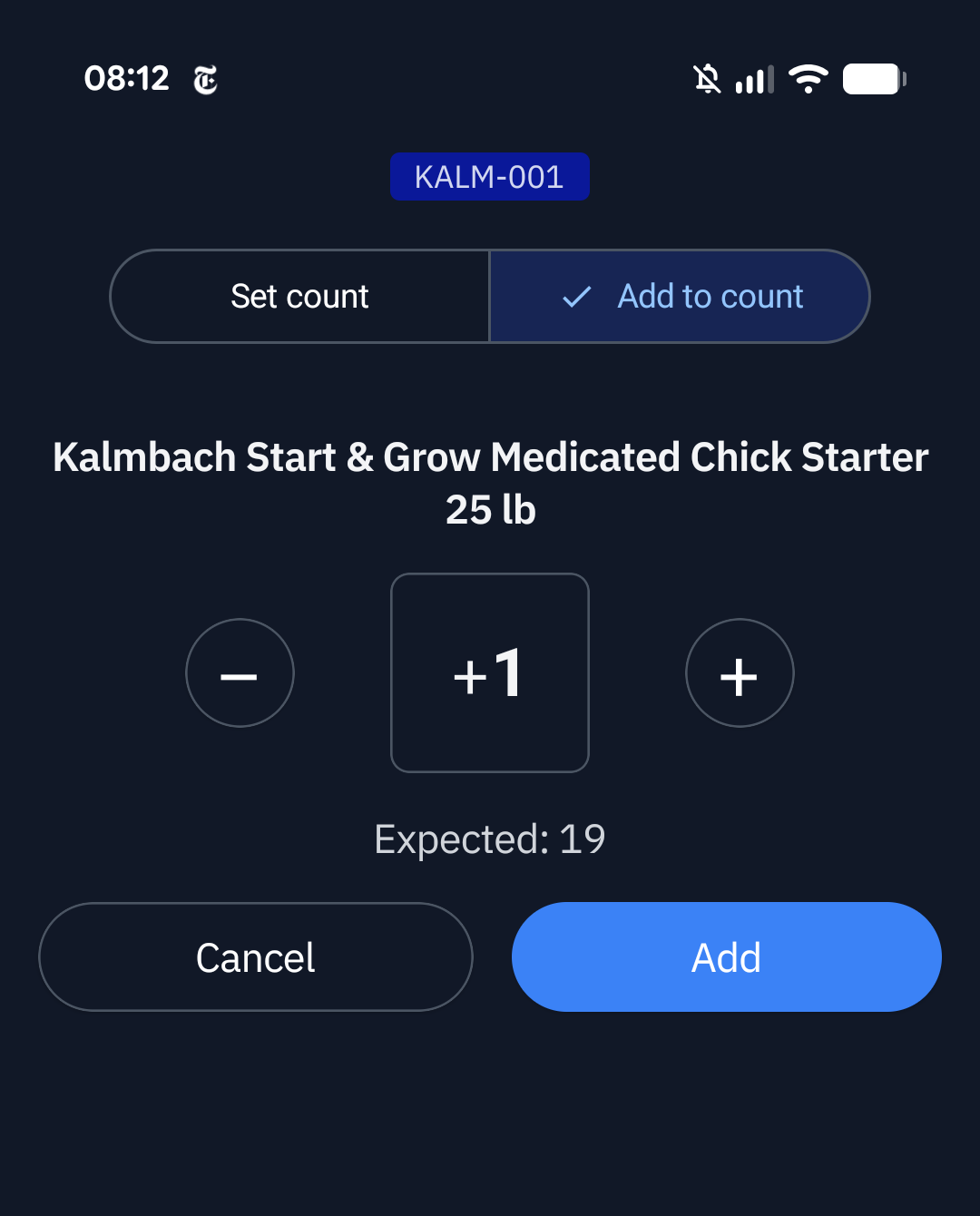
On the Rundoo POS App, scan a product or tap it to open its counter. Use Set count to enter the quantity in hand, or Add to count to add to a count you already started, so the same product counted in two places adds up instead of overwriting.
A full count will not complete while the To count tab still has products in it. For everything you did not find on the shelf, click Mark all as 0. That writes those items down to zero, which is exactly what a full count is for. One caution: Mark all as 0 zeroes every row in the view you are looking at, so if you filtered to one section, clear that section before you move on.
Switch to the Counted tab to review every product you counted: its Expected, your Counted, and the Variance between them, with the dollar impact in the Variance ($) column. While the count is open, a Total Variance total sits at the top right so you can see your net over or short at a glance. Recount anything that looks wrong before you finish.
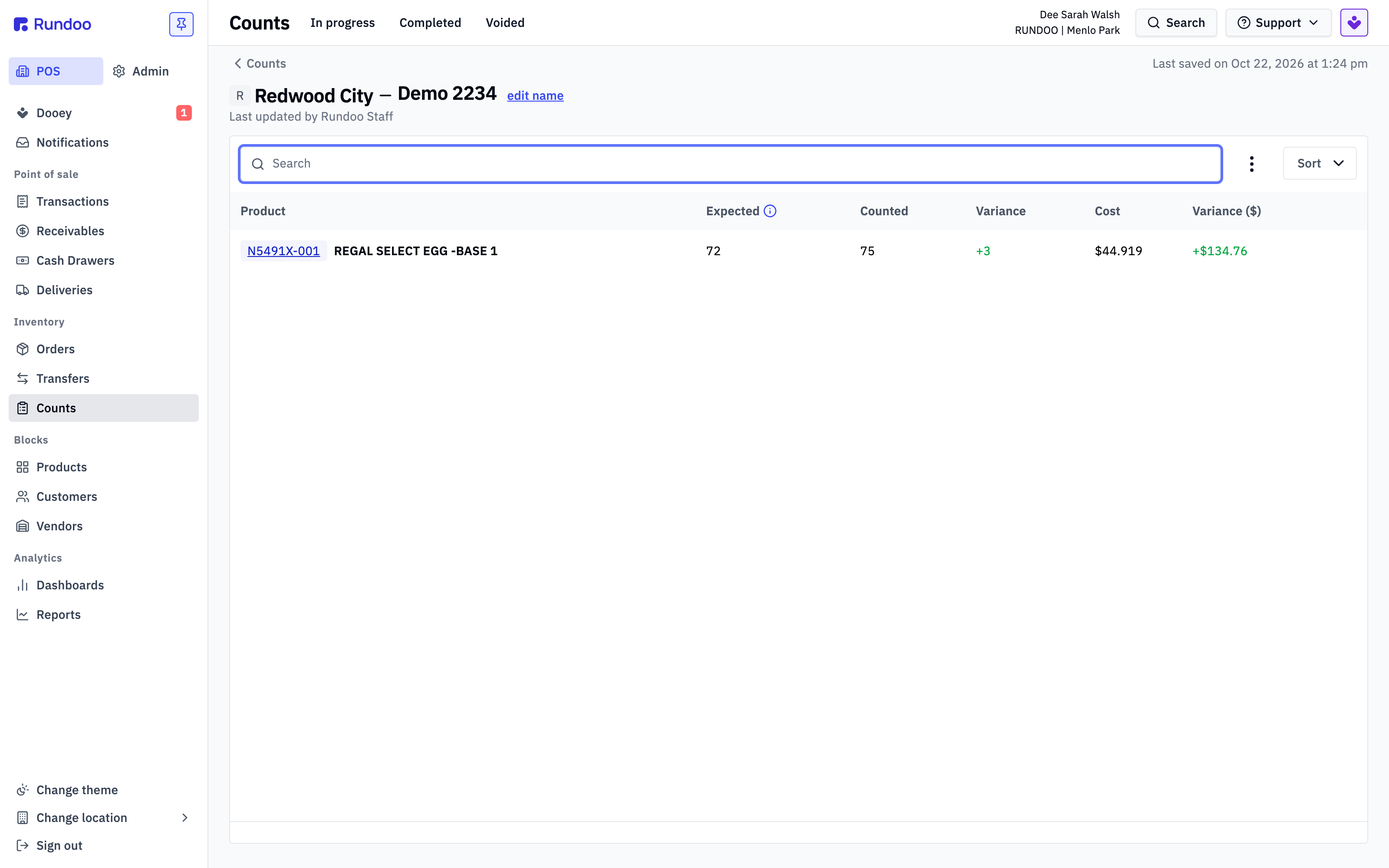
There are three ways to end a count. If it was a false start, click Void and nothing posts. If you need to step away, click Save draft and pick it up later. When the numbers are right, click Complete.
Complete is final. It adjusts every product's on-hand by its variance and posts a journal entry to your books. Reversing it means running another count, so read the Total Variance one more time first.
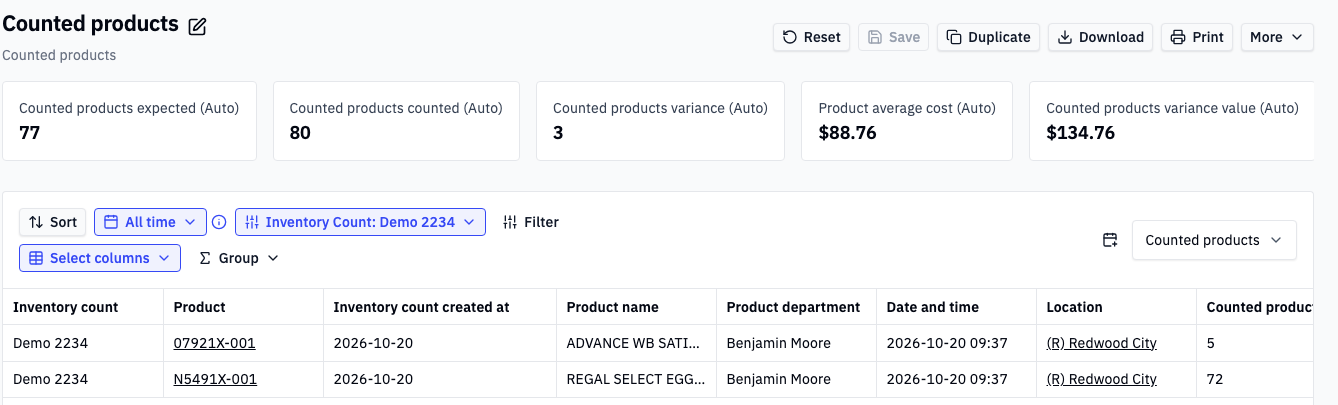
On the completed count, open the three-dot menu and choose Build Inventory Count Variances Report. It opens a complete report of every variance, which you can sort, download, or print for your records.
Count type
Full
Reconciles the whole location.
Finishing
Void / Save draft / Complete
Only Complete posts.
After completing
Variances Report
Complete report, download or print.
Good to know