Fix a line cost
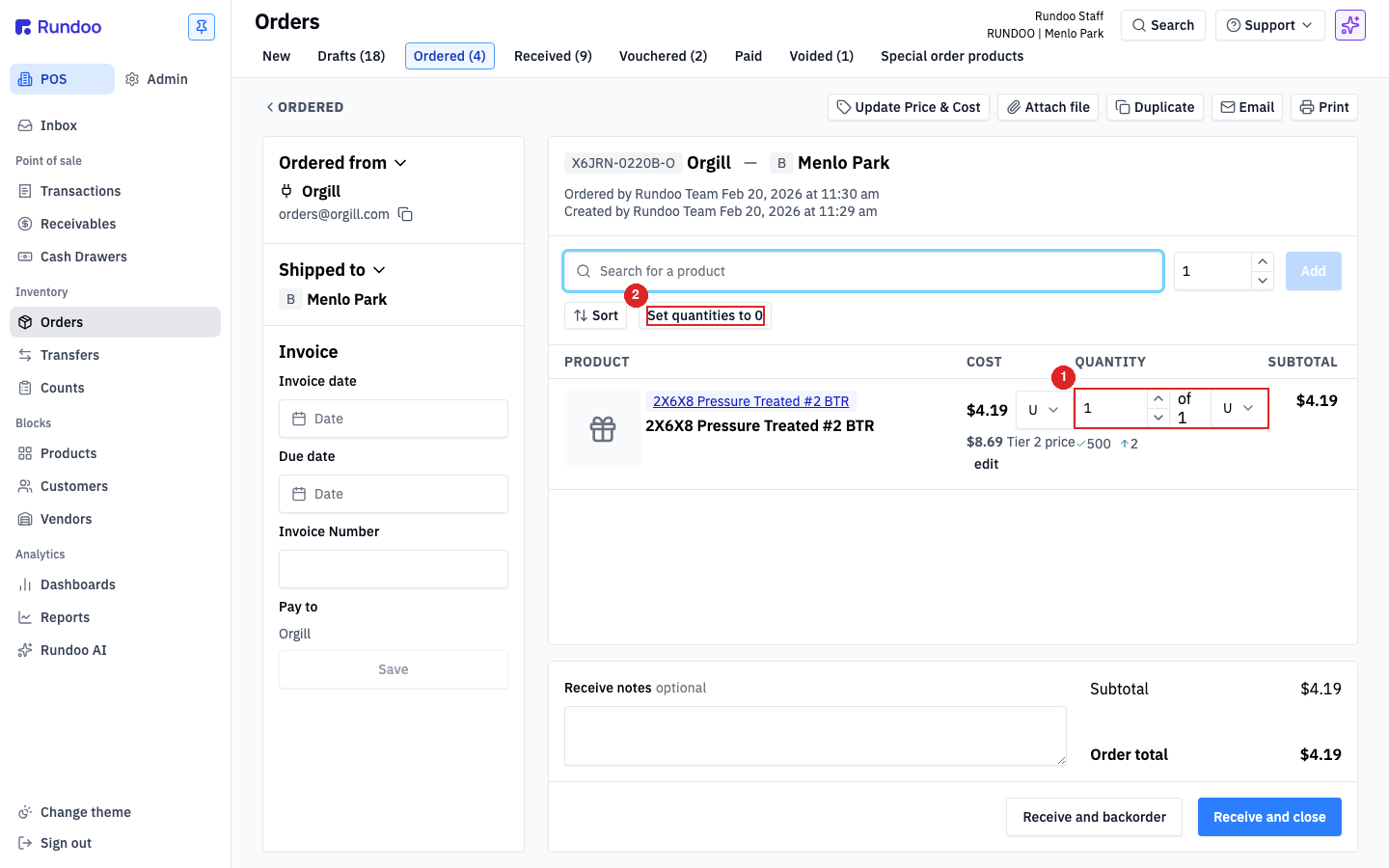
COST column → edit
Changes that item's unit cost and its cost history.

Getting Started with Rundoo · Purchase Orders
Add freight, fees, and discounts so your order total matches the bill.
You've checked in the truck, the stock is on your shelves, and now you're holding the vendor's paper invoice. Sometimes the total on that paper doesn't quite match the total on your screen. Maybe a price crept up since you placed the order, or there's a freight charge that was never on the PO. That's a normal last step. Before this order goes to your books, let's get the two totals to match to the penny.
Rundoo gives you two separate tools, and it helps to know which does what before you start. Editing a line's COST changes the price of that specific item and flows into its cost history. Add fee or discount lays a charge across the whole invoice, like freight, without touching any single line. Most reconciliations use one or the other, and some use both.
Open the order you need to square up. Received orders live under the Received top tab in Orders, and a received order you're still working on will show its line items on the right and an Order details panel at the bottom.
Start with the cost of the items themselves. Say a box of deck screws went up a few cents since you ordered it, and the invoice bills a little more per box. Find that item on the order, and right in the COST column click edit. Type in the correct unit cost from the invoice. Rundoo recalculates the line subtotal and the order total for you.
This is how you handle any per-item price change, and the corrected cost flows straight into that item's cost history.
Now for charges that apply to the whole invoice, like freight or a handling surcharge. Say the invoice carries a freight charge that isn't on the order yet. Head to the Order details panel at the bottom right, and click Add fee or discount.
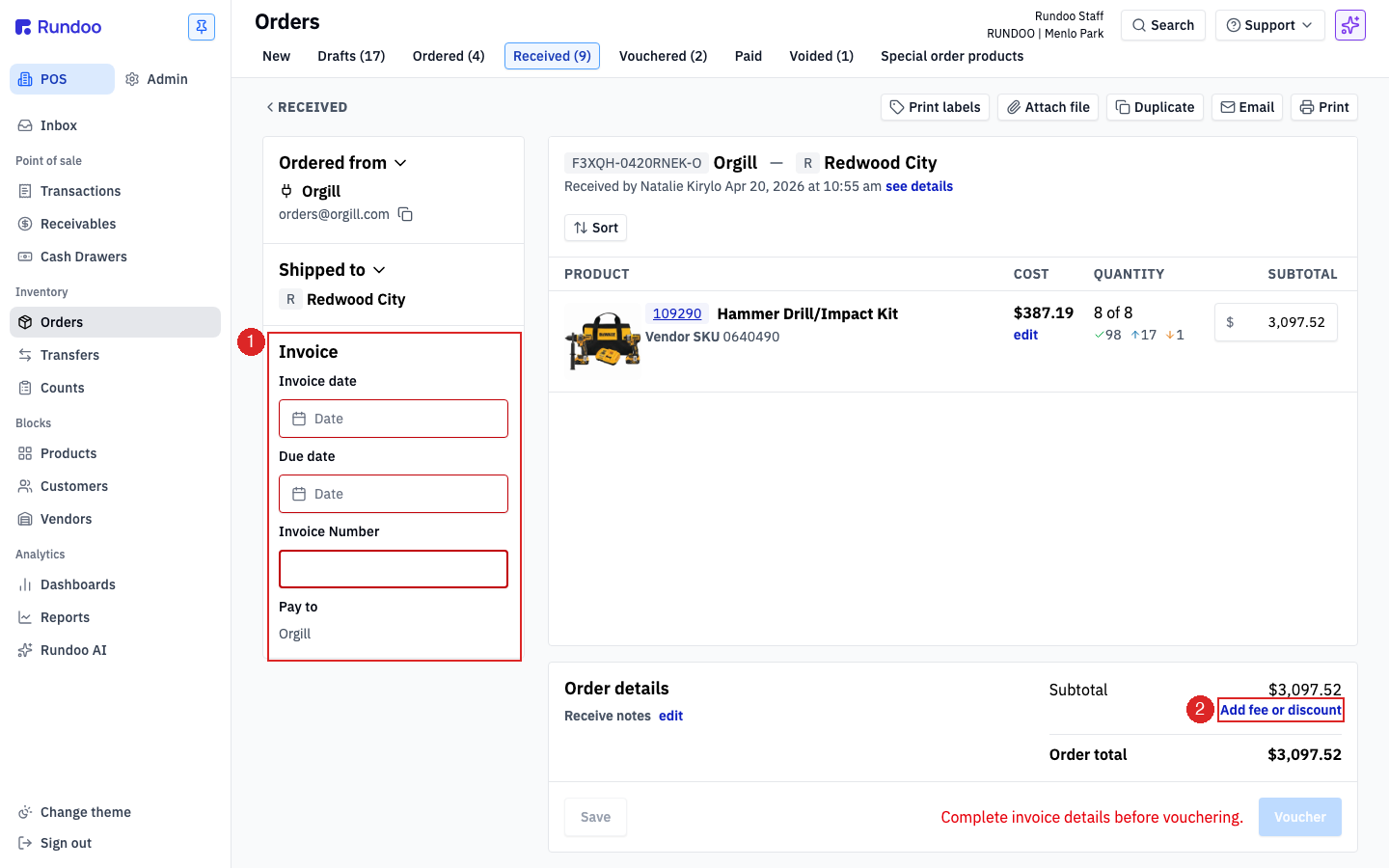
First, tell Rundoo where the charge belongs in your books by picking a GL account. Most stores post freight to Cost of Goods Sold. Give it a clear name, like Freight, and enter the Amount. A fee is a positive number. If you were adding a vendor discount instead, you'd enter it as a negative number.
Click Add fee. The charge appears as its own line above the total, and the order total updates. Check it against your paper invoice, and it should now match exactly.
That's it. The total on your screen matches the total in your hand. With the invoice details filled in, this order is ready to voucher and hand off to your books. You've now walked a purchase order all the way through, from a draft, to an order, to receiving it, to an invoice that lines up to the penny.
Fix a line cost
COST column → edit
Changes that item's unit cost and its cost history.
Whole-invoice charge
Order details → Add fee or discount
Freight, surcharges, or vendor discounts.
Fee or discount
Positive = fee · Negative = discount
Enter the amount right in the modal.
Where it posts
The GL account you pick
Most stores use Cost of Goods Sold for freight.
Good to know